
Members
(constant) AppStudio Responsive Component Design and Conversion
Before version 1.2.0, all components in AppStudio are fixed-size components. From version 1.2.0, AppStudio started to support responsive components.
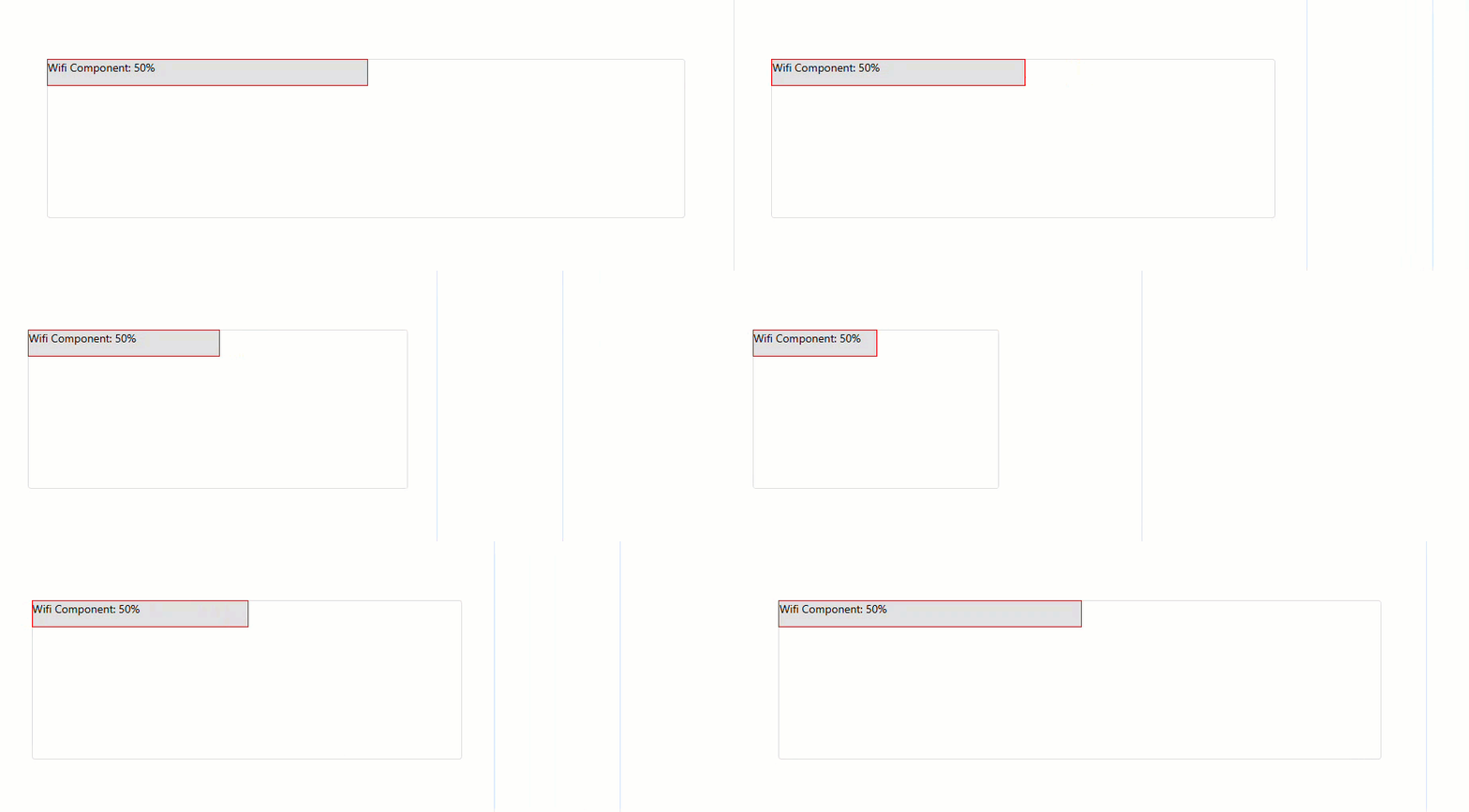
To convert a normal component to a responsive component AppStudio made the following changes:
- Provide a new props "responsive" to enable responsive feature for all built-in components.
- If user enable the responsive option when deploying, AppStudio will automatically adjust the component's responsive propertie to true.
- Modify the component's width value from fixed pixel value to percentage value based on the design canvas size.
- When run the app, AppStudio will calculate the actual pixel size based on the screen size and the component's percentage width value.
(constant) Enable the responsive feature for built-in components
According to the responsive component design guideline, user can enable the responsive feature for built-in components by setting the responsive option to true when creating the component instance.
const btn = new TComponents.Button(Instance.l1.container,{
        width: 50,
        position: 'absolute',
        options: {
            responsive:true
        },
        onClick: function(){
            alert("My Responsive Button Clicked!")
        }
    })
    btn.render()
(constant) Implement your own responsive component
According to the responsive component design guideline, user can design their own responsive components.
class SimpleComponent extends TComponents.Component_A {
        constructor(parent, props = {}) {
          super(parent, props);
        }

        defaultProps() {
          return {
            options: {
              responsive: false,
            },
            position: 'static',
            width: 100,
            height: 32,
            top: 0,
            left: 0,
          };
        }

        markup() {
          return  "<div class=\"tc-wifi\"></div>";
        }

        onRender() {
          try {
            const container = this.find('.tc-wifi');
            const isResponsive = this._props && this._props.options ? this._props.options.responsive : null;
            container.innerText = `Wifi Component: ${this.props.width}${isResponsive ? '%' : 'px'}`;
          } catch (e) {

          }
        }
      }

      SimpleComponent.loadCssClassFromString(`
        .tc-wifi{
          border:1px solid red;
          width:100%;
          height:100%;
          background-color: #e0e0e0;
        }
      `);

      const instance = new SimpleComponent(Instance.l1.container,{
          width: 50,
          position: 'absolute',
          options: {
              responsive:true
          },
      })
      instance.render()